Create your AI influencer, choose a video trend, and bring your character into motion.
Load a motion clip and the matching references, then generate.
Creations from this workspace appear here.
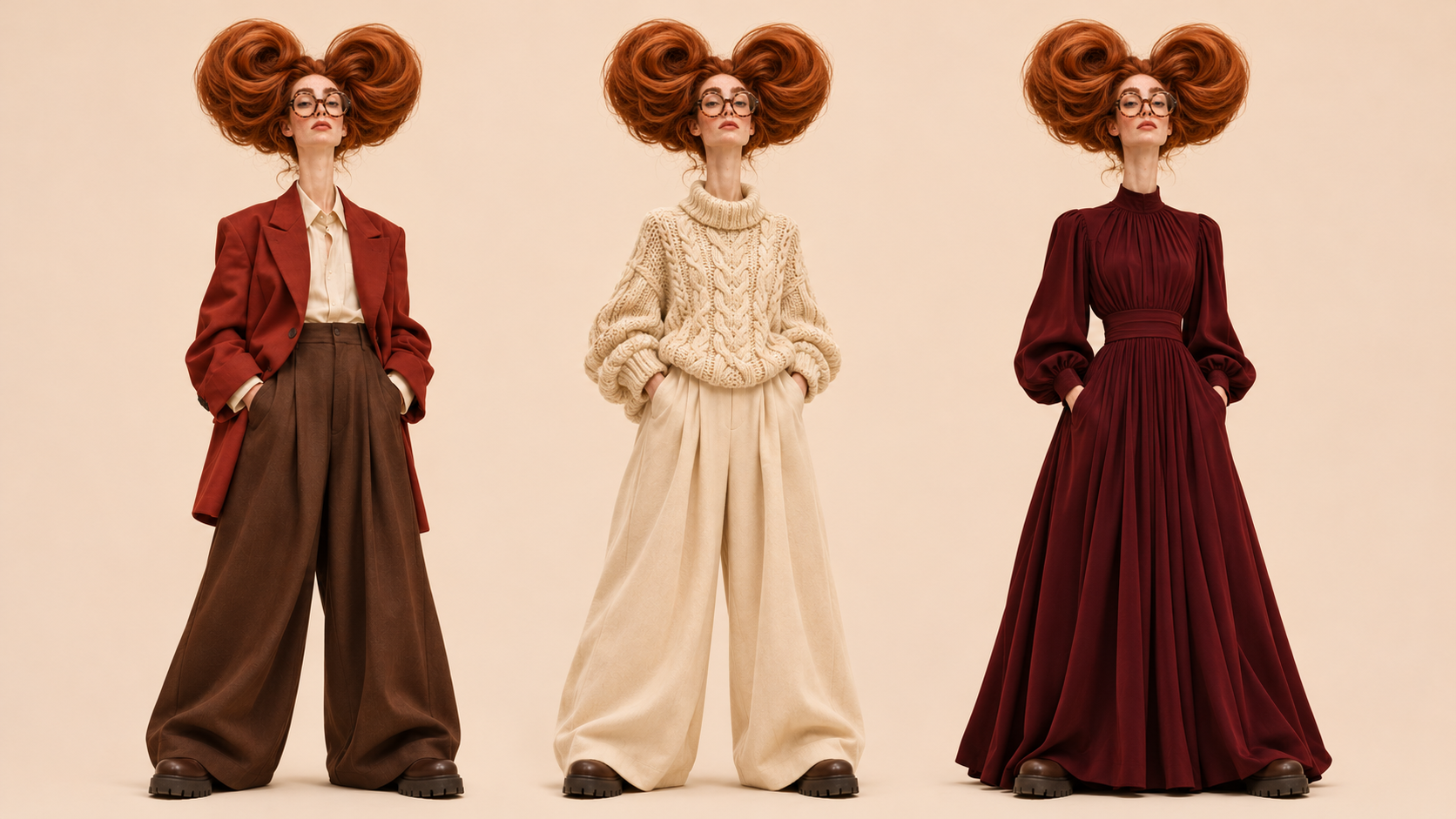
An AI influencer is a virtual character you can shape for your own creative projects. Choose a character type, adjust the details that matter to you and create a portrait and full-body character sheet. The image shown here is an illustrative concept; generated results vary.

Build your AI influencer first, then choose where to take the character.
 Average
 Bold
 Extreme
STEP 1
Choose a starting character, adjust appearance and style, or add a photo you have permission to use.
 Bottle Kick AI
 Jean Phil Dance AI
 Trio Shuffle AI
STEP 2
Open Video trends, preview a scene and select a compatible template for your character.

STEP 3
Fill any remaining photo roles, check the settings and credit estimate, then generate and review your video.
Create a look, choose a scene and explore what you can make together.
Describe a distinctive face, hairstyle, outfit or personality in the character builder. You can also start with a photo of yourself or an adult who has agreed to appear. Review your image and refine the look before choosing it for another project.

Explore dance, comedy and cinematic templates in the video trends collection. Select a character, preview the scene and add any other required photos. Review the available settings and credit estimate before generating your AI influencer video.
Use Edit on a finished character sheet to describe a change such as a new outfit or hairstyle. Compare the new image with your reference and choose the version you want to use. Appearance and details can vary across generations.
My characters contains finished character sheets. In compatible image and video workspaces, open My images to select a saved upload or generated image without downloading and uploading it again.
 UploadsGenerated
 Uploads
 Generated
 Uploads
 Generated
A useful character brief makes it easier to choose a starting image, build a scene and review the result.
Decide what your AI influencer is doing before choosing the details. A travel narrator, a fashion character and a comedy performer can each call for different clothing, expressions and settings. Start with a few recognizable features, such as a hairstyle, color palette and outfit, so you have a clear reference when comparing the AI influencer images you create.
Start from a character type and adjust the available attributes, or use Randomize to discover a combination you want to refine. A face photo is optional. If you upload one, use your own photo or an image of an adult who agreed to appear. The style reference slots guide clothing and styling separately from the face photo.
Use the description field to add details that the controls do not already capture. For example, describe an AI influencer with a copper bob, an oversized linen jacket and a relaxed editorial look. Avoid conflicting directions for the same feature. Review the selected attributes alongside the description before generating so the brief expresses one clear idea.
The AI influencer character sheet contains a portrait and a full-body view. Compare the face, hairstyle, outfit and proportions across both views, then check whether the image fits the scene you have in mind. Details can vary between generations. Select a result that gives you a clear starting point, rather than assuming every feature will stay identical in later videos.
Browse the video trends and watch a complete preview before casting your AI influencer. A close gesture may suit a portrait, while a full-body routine benefits from showing the outfit, arms and legs. Some templates request multiple photos for separate roles. Check the labels and use images you have permission to animate for every person or subject.
Use Edit on a finished AI influencer sheet to describe a new outfit or another change. Compare the new image with the earlier sheet and check the face and other details you wanted to retain. Recreate restores saved settings to the builder for another attempt. An edit or new generation is a separate submission, with its own displayed credit estimate.
Watch the whole AI influencer video, especially turns, hand contact, clothing and moments when the character leaves the frame. If a detail changes, try a clearer reference or a simpler scene and compare the next result. Audio depends on the selected template or model. Check the finished clip and your rights to the materials before publishing it elsewhere.
What to know before making your character and video.
Yes. Choose a character type and appearance options, or use Randomize as a starting point. A photo is optional.
You can upload a photo of yourself or an adult who has agreed to appear. Only use images you have permission to use.
It creates a 16:9 character sheet containing a portrait and a full-body view. The workspace shows the image count and estimated credits before you submit.
Yes. Select a character and explore Video trends. Each template shows its required photos and available settings before generation.
Use Edit on a completed character to describe a change, or Recreate to restore the saved settings in the builder. Review the inputs before submitting again.
Generated appearance and movement can vary with the photos, template and model. Review faces, clothing and motion in the finished result.
Previewing a trend does not submit a generation. Image edits and video generations are separate submissions; check the displayed estimate before creating.
Completed images and videos can be downloaded from their results. Publishing them to social platforms remains your choice.
Choose a few details that define the character, such as hairstyle, outfit and visual style. The description can add direction beyond the available controls. Keep the brief consistent, then compare the face and full-body view in the generated AI influencer sheet before using it as a reference.
Open a completed character and use Edit to describe the change, such as a different jacket or hairstyle. Compare the new sheet with your earlier reference: identity and other details can vary. Editing submits a separate image request, so review the displayed credit estimate first.
Create an AI influencer, explore a video trend and bring your next story to life.
